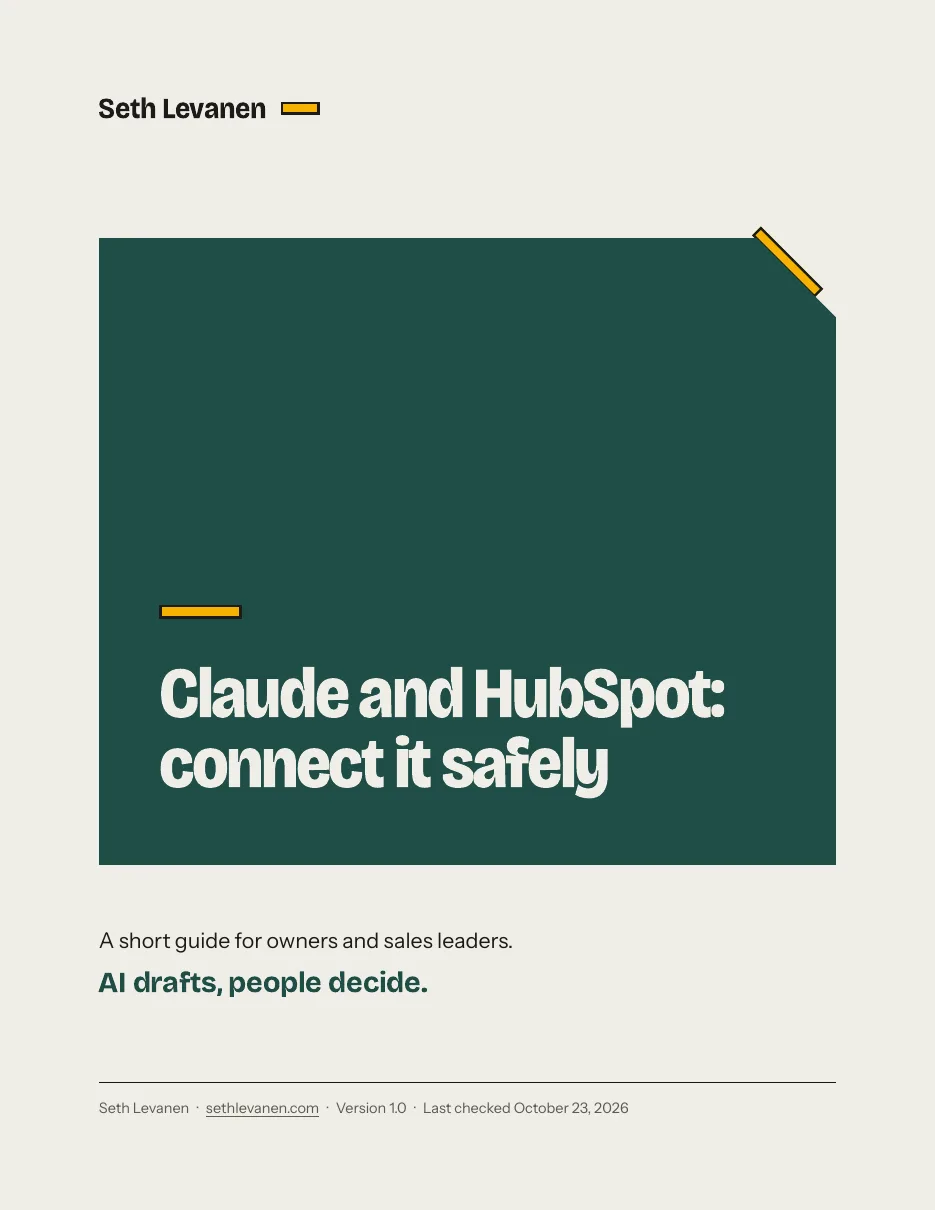
Claude and HubSpot: connect it safely
A 17-page guide to connecting Claude to your HubSpot CRM so you start with reading, add writing slowly, and keep a person in front of every change.
$29
- Format
- A 17-page PDF, version 1.0
- Last checked
- October 23, 2026
- Status
- Every step is from the vendors' documentation and labeled docs only
- Price
- $29, one time
- Refund
- 14 days, no reason needed
Checkout is on Payhip, a separate site with its own terms and privacy policy.
The problem
You can now ask Claude about your HubSpot data in plain language, and in some cases have it create or update records. It is easy to connect. It is also easy to connect in a way that lets an AI change customer data with nobody checking.
Most of what is written about this is from companies selling their own connector. I wrote this one as a seller who wants a person in charge.
What you get
A 17-page PDF.
- The options, in plain words: HubSpot’s own connector for Claude, a custom connector, third-party connectors, and which one fits whom.
- A before-you-connect checklist: roles, plans, Sensitive Data, a practice record, a way back.
- Connect it, reading first: the steps from HubSpot’s and Anthropic’s own documentation, in order, with the one setting to change first.
- What it can and cannot touch, by object, as HubSpot states it, with the date.
- The approval queue: five parts that keep a person in front of every write, plus the prompt that makes Claude show a table and wait.
- Ten starter prompts, six read-only and four write-with-approval, using a fictional company.
- A 12-check test list, a rollback section, security notes, and a one-page checklist.
- A data privacy section with the questions to ask. It is marked for review and it is not legal advice.
How it works
- Read sections 1 to 3 and run the before-you-connect checklist.
- Connect with the narrowest permissions that do your first job.
- Set write tools to need approval.
- Test on fake records with the 12 checks.
- Add writing slowly, and look at the audit log every week.
What it costs
$29. One time. No subscription. The guide has a “last checked” date: October 23, 2026.
The catch
I have not yet tested these steps in a HubSpot account of my own. Every setup step comes from HubSpot’s and Anthropic’s own documentation, which I read on October 23, 2026, and the PDF labels each one “docs only.” The guide includes a 12-check list so you can test the connection in your own account before you rely on it. When I test them, I will say so and update the guide.
HubSpot changes this connector. The guide says how to tell it has gone stale.
It is not legal advice. If you hold health, financial or other regulated data in HubSpot, ask a lawyer before you connect.
Who it’s for
Owners and sales leaders at small and mid-size B2B companies who use HubSpot and want to try Claude on it, and who do not want to hand a model the keys.
Who it’s not for
Developers building a custom integration. People who use a CRM other than HubSpot. Teams that need legal sign-off, which this guide cannot give.
What you need
A HubSpot account, a paid Claude plan (Pro, Max, Team or Enterprise, per HubSpot’s article), and a Super Admin on your HubSpot account to approve the connector if you are not one.
Questions
Can I share it with my team? Yes. For personal and team use. Please don’t resell or repost.
Is this affiliated with HubSpot or Anthropic? No. It is an independent guide.
Refunds? If it isn’t useful to you, email me at hello@sethlevanen.com within 14 days of buying and I’ll refund the purchase. You don’t need to give a reason. I refund through Stripe or PayPal, and your bank may take a few days to show it. Please email me before you file a dispute with your bank, so I can fix it faster.
About me
I’m Seth Levanen. I’ve spent 26 years in B2B sales, and I’m HubSpot Revenue Operations certified. I help small business owners and sales-led teams cut busywork without cutting quality. I call that the smart-cut. More at sethlevanen.com.